
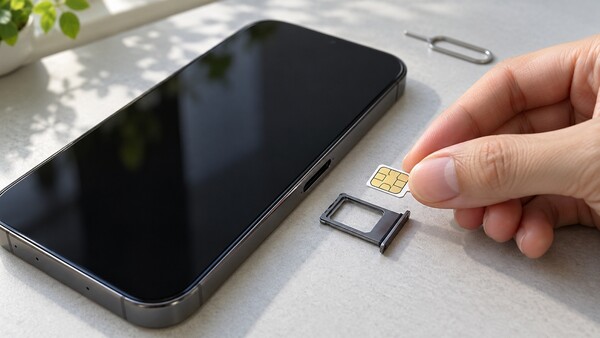
[Digital Today reporter Jae-won Choi (최재원)] Do you have to turn off your smartphone when replacing a USIM card? Most of the latest smartphones can swap a SIM card while powered on, but turning the power off is recommended to prevent network connection errors.
Engadget reported on Oct. 17 (local time) that recent smartphones support hot-swapping, which allows users to replace a physical SIM card without turning off the device. Replacing it with the phone powered off can help the device reread carrier information from the new SIM card and set up a stable network connection.
SIM card replacements are usually done when switching to a budget carrier or using a local carrier service while traveling abroad. A replacement is also needed if an existing SIM card is damaged.
If it is difficult to turn off the phone, users can use airplane mode. Enable airplane mode, wait about 30 seconds, replace the SIM card, then disable airplane mode. This resets the mobile network connection and can reduce the likelihood of errors.
Users should also watch for physical damage during the process. Dust or moisture getting into the SIM tray, or forcing in a card that does not fit, can damage the device. If the SIM card is not properly inserted, the smartphone may repeatedly try to connect to the network, increasing battery use.
With a dual-SIM smartphone, users should first check the slot for the card to be replaced. Some Android devices mount the SIM card and a microSD card in the same tray. In that case, it is safer to unmount the SD card first and then remove the tray to prevent damage to stored data.
An eSIM, by contrast, can be changed via a QR code or a carrier app without swapping a physical card.
If the phone does not connect to the network after a SIM card change, rebooting the smartphone is the first step. If the problem persists, users should check whether the card is properly seated and whether carrier activation has been completed.
 Jae-won Choi
ittt_0801@d-today.co.kr
Jae-won Choi
ittt_0801@d-today.co.kr