Search results for meal planning
AI & Enterprise
How to use Google Gemini \'Gems\' for custom tasks, from travel planning to music making
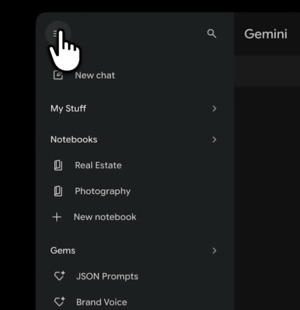
Google Gemini’s custom feature Gems is drawing attention as a personalization tool that reduces repetitive prompts. Similar to ChatGPT’s custom GPTs, it remembers roles, preferences and conversation history so users do not need to restate context. Examples include a family trip planner, a hobby coach, and a film and TV curator. It was also used for image-based outfit planning and to create personal theme songs with a music tool.
AI & Enterprise
ChatGPT power users skip new chats with reusable prompts to cut repetitive work
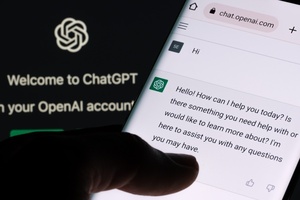
Users who repeatedly use ChatGPT for similar tasks may find it more efficient to create reusable start prompts rather than re-explaining objectives and conditions in each new chat, a report said. TechRadar introduced the approach as a way to cut work time by consolidating successful workflows into a single prompt that sets goals, tone, output format and constraints. It said the method can reduce revisions but does not guarantee better results if prompts are too vague or overly detailed.
AI & Enterprise
Gemini adds \'skills\' to Chrome to recall saved prompts instantly
Google has added a \'skills\' feature to Gemini for Chrome that lets users save frequently used prompts and run them instantly on other pages. Users can store a prompt after running it and later recall it from the Gemini panel by typing \'/\' or using a skills menu. Google also released a default skills library with reusable prompt templates. Examples include meal planning from recipe pages and comparing multiple tabs for gift ideas.