Telecommunications & Media
How to check iPhone storage when it is full even after deleting photos and apps
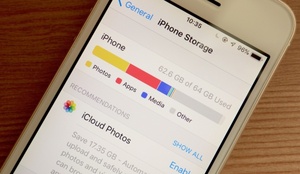
When iPhone storage runs low, users do not need to delete photos, videos or unused apps blindly. The iPhone Storage menu in Settings shows storage use by category and lists apps by size, helping identify items that are taking up space. It also distinguishes between offloading an app while keeping its documents and data, and deleting the app along with related data. Attachments, downloads, voice memos and files saved on the device can also consume significant space.
