
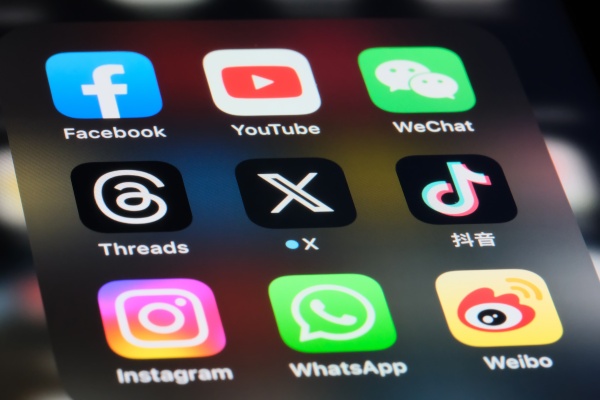
Which apps drain smartphone batteries the fastest? A survey by user analytics firm Elevate found video-focused apps such as Netflix, TikTok and YouTube dominated the top ranks for battery consumption. IT-focused outlet PhoneArena reported the findings on Jan. 4 (local time).
The survey was based not on simple time spent but on actual impact on the battery. Elevate combined average screen time, data usage, hourly battery drain, and background processing time even when an app is closed to calculate monthly battery consumption.
Netflix ranked first for battery consumption. Users spent an average of 60 hours a month on Netflix, consuming about 1,500 percent of a single full charge. Netflix also ran in the background for about 13 hours a month even when not in use, which was analysed as a major driver of battery drain.
TikTok ranked second, with monthly battery consumption reaching 825 percent based on 33 hours of use. Its structure of continuously playing short videos and up to 10 hours of background processing a month were cited as key causes of battery decline.
YouTube ranked third, with monthly battery consumption of 540 percent. YouTube reduced battery by about 20 percent per hour of use, and 6 to 7 hours of background activity per month also increased consumption.
Other battery-hungry apps included Meta's Threads (No. 4, 460 percent), Snapchat (No. 5, 320 percent), CapCut (No. 6, 300 percent), Instagram (No. 7, 300 percent), Facebook (No. 8, 270 percent) and Spotify (No. 9). Spotify's hourly drain was not large at 5 percent, but its long background activity for music playback and synchronisation led to high cumulative consumption.
ChatGPT ranked 10th. It consumed 200 percent of a single full charge over a month and showed a 20 percent battery drop per hour of use.
An Elevate official said streaming or editing apps use a lot of battery while in use, while music and social media apps often continue consuming battery in the background even when not being used. Managing background app refresh settings is the most important step to improve battery efficiency, the official added.
Experts recommend turning off background activity for apps that are not needed and regularly checking usage time and data consumption by app to extend battery life. They also advised that basic settings such as enabling battery saver mode and adjusting screen brightness can noticeably reduce battery drain.
 Jinju Hong
hongjj@d-today.co.kr
Jinju Hong
hongjj@d-today.co.kr