
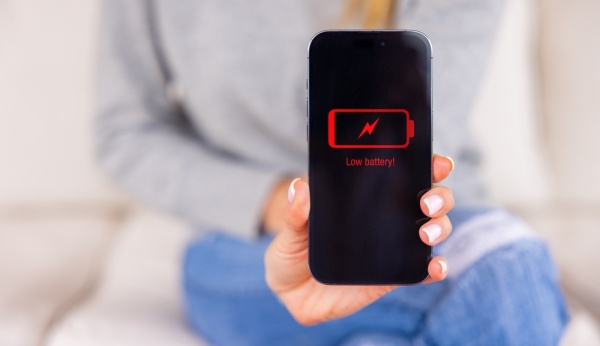
[Digital Today reporter Yoonseo Lee] The iPhone display is known for sharp image quality and accurate colours, but it is also the biggest drain on the battery. As outdoor activity increases, the screen brightness can automatically rise, making power consumption more likely to surge.
On Jan. 21, IT outlet TechRadar introduced 5 tips that can extend iPhone battery life by changing display settings alone.
First, manually lower screen brightness. This is a basic but effective method. In Control Center, move the slider with the sun icon down to reduce brightness and immediately cut battery use.
Second, turn off the Auto-Brightness feature. The iPhone automatically adjusts brightness depending on surrounding light, which can consume unnecessary battery power. If you disable Auto-Brightness in Settings > Accessibility > Display & Text Size, you can keep brightness fixed at the level you want.
Third, make active use of Low Power Mode. It is useful not only when the battery is low but also in everyday use. When Low Power Mode is on, the screen becomes slightly dimmer and system animations are minimised. On iPhone 13 Pro and later models, it limits the refresh rate from 120 Hz to 60 Hz to save battery.
Fourth, shorten the Auto-Lock time. Reducing the time the screen stays on is key. Even without using Low Power Mode, setting the wait time before the screen turns off to a shorter period such as 30 seconds in Settings > Display & Brightness > Auto-Lock can prevent power from draining when you put the phone down.
Fifth, use Dark Mode. Most models released since the iPhone X, excluding some such as the XR and 11, use OLED displays that switch off the pixels themselves when showing black. Setting Dark Mode can therefore sharply reduce power consumption compared with displaying a white background.
The iPhone may have a somewhat smaller physical battery capacity than competing Android devices, but it has high power efficiency thanks to strong optimisation between hardware and software. Rather than automatically looking for a power bank or considering a device change, first optimising display settings, which account for the biggest share of smartphone power use, would be the smartest and most efficient way to secure battery time.
 Yoonseo Lee
yslee@d-today.co.kr
Yoonseo Lee
yslee@d-today.co.kr