
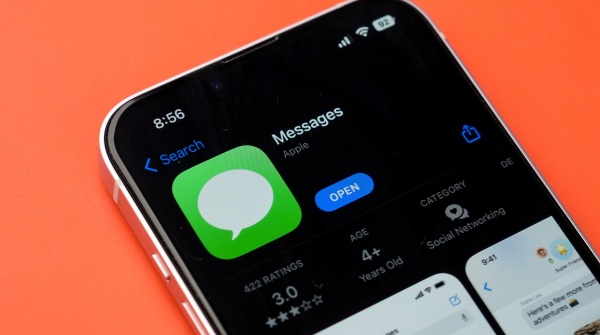
[DigitalToday reporter Yoonseo Lee] iPhone users may open the Messages app dozens of times a day, but few fully use its functions. Apple Messages has evolved into a social platform with various convenience features and security.
On Jan. 17, IT outlet TechRadar introduced “seven hidden features in Apple Messages.”
First is the “custom sticker” feature. Tap the “+” button to the left of the message input box and select the sticker menu. In Photos, press and hold the subject you want to remove the background, then turn it into a sticker and use it freely in chats like an emoji.
Second is sending “Apple Cash” without leaving the app. If a payment method is registered, users can transfer money immediately in the Messages window without opening a separate banking app. It is useful for splitting bills or making small transfers between iPhone users.
Third is the “Polls” feature for collecting opinions in group chats. Users can create a vote to decide a lunch menu or meeting time and easily gather members’ views. This feature works only when all participants are iPhone users.
Fourth is “scheduled messages,” which lets users send at a chosen time. Users can write a message late at night and send it the next morning, or schedule a congratulatory message for an important anniversary in advance. Messages can be scheduled for up to 364 days ahead.
Fifth is the “Check In” feature designed to keep users safe. When a user arrives at a destination, a notification is automatically sent to a designated person. If movement stops or there is no response, it can share key information such as location data, remaining battery and signal strength to prepare for emergencies. If linked with an Apple Watch, users can also set a Check In notification after completing a workout.
Sixth is “third-party app integration,” which expands use of external apps. If the Starbucks app is installed, users can send a gift card directly from the Messages window. TikTok videos and games can also be shared and enjoyed within the chat window.
Finally, there is the “Digital Touch” feature. Handwriting or drawings the user makes directly on the screen are played back as an animation and sent. Unlike plain text, it is designed to deliver a more personalised message through visual effects.
This expansion of functions is seen as a strategy to evolve Messages into a platform closely tied to daily life. The various functions spanning payments, security and entertainment are expected to serve as key elements that further strengthen the user experience (UX) within the Apple ecosystem.
 Yoonseo Lee
yslee@d-today.co.kr
Yoonseo Lee
yslee@d-today.co.kr