
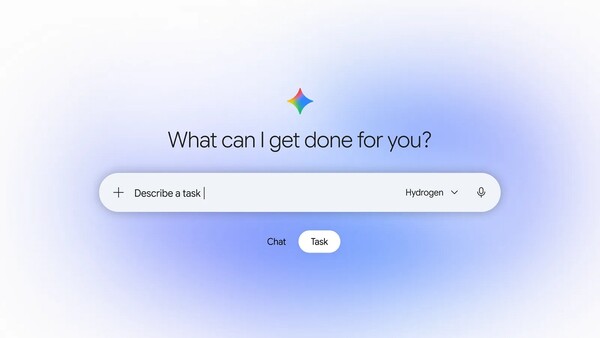
Google added a feature that lets users directly check and edit information its artificial intelligence (AI) chatbot Gemini remembers about them. Users can review personal information and preferences collected by the AI and correct inaccurate details.
On Nov. 18, Google introduced a "Memory Summary" feature in the Gemini settings menu. Gemini personalises responses based on linked information from Google services such as Gmail, YouTube and Search, as well as user preferences and personal information revealed during conversations. For example, if a user says they are lactose intolerant, it will not recommend products that include milk.
Google divides Gemini personalisation settings into 2 broad stages. The first is an "Activity retention" setting that determines whether conversations are saved. If it is on, conversations are saved to a Google account, allowing users to review and continue previous chats. If it is off, conversations are not saved to the account, are deleted after 72 hours, and cross-device chat syncing is not supported. For users aged 18 and older using Gemini with a personal account, the setting is enabled by default.
The second is a feature Google calls "Memory". Gemini builds a user profile based on past conversations and adjusts responses with it in mind. Because Memory requires saving and accessing past inputs, Activity retention must also be turned on.
The newly introduced Memory Summary feature is available to users in the United States who subscribe to a paid Google AI plan and have Memory enabled. Users can select "Personal intelligence" in the Gemini web app settings and then enter "Memory Summary" to check key information the AI has identified. The information is categorised into personal data, career and interests, and can include specific details such as a pet's name.
Users can edit or delete the summarised information directly. They can rewrite each item and also use natural-language instructions in the input box to add or remove specific information. After saving, the changes are reflected in Memory, and the timing and details of changes are recorded in a separate Memory history.
To turn off Memory, users can disable the related setting in the Personal intelligence menu. Even then, previously saved information is not automatically deleted. Existing information must be edited directly in Memory Summary or deleted by removing the relevant chat records in the settings' Activity menu. In the Activity menu, users can review chat history by date and delete selected items individually, and deleted chats are also excluded from information used to personalise Gemini's responses.
Google is also rolling out an update that separately separates the setting for saving Gemini chat history from the setting that allows data to be used for AI model training. Under the change, users can keep their chat history while preventing future conversations from being used for AI training. Past data already used for training is not retroactively deleted even if settings are changed.
The feature is a measure aimed at increasing transparency over information used for AI personalisation and strengthening user control. As the information AI remembers about users becomes more detailed, the importance of management functions that let users review and correct inaccurate information is also growing.
 Seungah Yoo
ysah@d-today.co.kr