
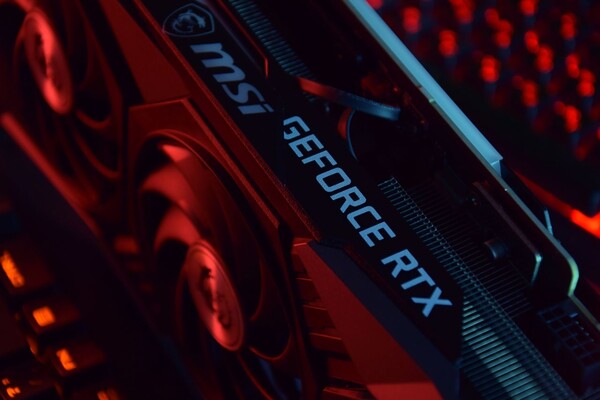
Advice has emerged that game performance can be improved through settings and management of existing components rather than buying a new graphics card. As the graphics processing burden of high-end games grows, ways to make the most of existing graphics processing units (GPUs) are drawing attention.
Engadget, an IT media outlet, on Oct. 12 (local time) introduced ways to raise a game's frames per second (FPS), including using upscaling, adjusting graphics options and managing hardware.
The first technology to use is upscaling, such as Nvidia DLSS, AMD FSR and Intel XeSS. It reduces GPU load by rendering a game at a lower internal resolution and then correcting it to a higher resolution. Engadget assessed that DLSS 4.5 and FSR 4 are effective at boosting performance while minimizing image-quality loss.
Frame generation, which creates intermediate frames using AI, should be judged separately. Displayed FPS can rise sharply, but actual input responsiveness does not improve by the same ratio. At high generation multiples, input lag or screen distortion can be noticeable.
Lowering graphics settings is also effective. Choosing balanced or performance modes instead of ultra options in the latest high-end games can secure frames. Another option is to adjust effects that carry heavy processing burdens, such as ambient occlusion and screen-space reflections.
For entry-level GPU users, it may be advantageous to disable ray tracing. The technology produces realistic light and shadows, but it requires considerable computing performance.
Hardware management is also important. If dust builds up on the GPU and CPU and cooling performance declines, thermal throttling can occur, lowering operating speed to prevent overheating.
It is advisable to turn off the power and disconnect cables, then clean dust inside, keep graphics drivers up to date and close unnecessary background programs.
Overclocking is also a way to gain additional performance, but it requires a cautious approach because of the risks of heat and system instability.
 Choi Jae-won
ittt_0801@d-today.co.kr
Choi Jae-won
ittt_0801@d-today.co.kr