
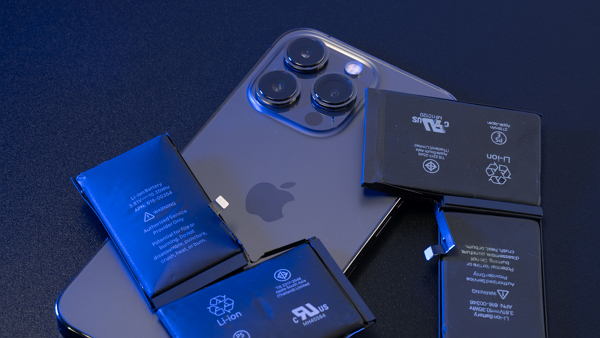
If an iPhone’s maximum battery capacity has fallen below 80 percent, the remaining charge drops sharply, the phone shuts down unexpectedly or heat has worsened, it is time to consider replacing the battery. Engadget reported on Sept. 28 that Apple supports checking battery health and performance information in the iPhone Settings menu.
The easiest way to check is the Battery Health screen in the Battery menu in Settings. It shows whether the battery status is normal or significantly degraded. If the status is significantly degraded, a notice recommending battery replacement appears at the top of the screen.
On iPhone models from the iPhone 15 onward, users can also see the total number of charge cycles. Models before the iPhone 14 were designed to maintain 80 percent capacity at 500 charge cycles, and the threshold was raised to 1,000 cycles for later models. Maximum battery capacity is the current capacity compared with a new product. If it falls below 80 percent, Apple views the battery as worn and recommends replacement.
Perceived symptoms are also a basis for judgment. If it is not due to excessive use by a specific app but users still need to carry a portable battery pack all day, or if the battery level drops quickly, an inspection is needed. Sudden shutdowns even when the battery is not in single digits are also a typical sign.
Performance can also slow during heavy tasks such as gaming, exporting large videos or streaming 4K video. This may be because the iPhone is lowering performance to prevent an unexpected shutdown. If the device heats up quickly right after unplugging the charger or even when usage is not high, the battery may need to be checked or serviced.
If the battery swells outside the case, users should stop using it immediately and contact Apple Support. Apple views this as a safety issue. If enrolled in AppleCare, users can replace the battery without a service fee when maximum battery capacity falls below 80 percent.
 Hyunwoo Choo
cookinpapa@d-today.co.kr
Hyunwoo Choo
cookinpapa@d-today.co.kr