
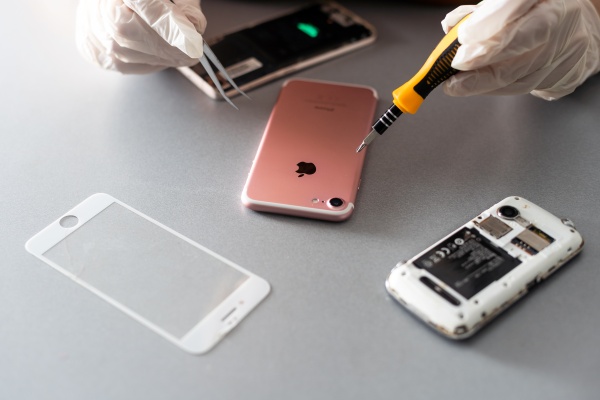
Suspicions have been raised that an employee accessed a customer’s private photos during an iPhone repair and sent them to a personal device.
TechRadar, an IT outlet, reported on May 25 that a Best Buy employee in the United States allegedly viewed a customer’s private photos while repairing an iPhone and AirDropped some to the employee’s own phone.
The case is seen as showing how great the risk of exposing personal data can be when an unlocked smartphone is handed to someone else for repairs. The woman reportedly only noticed the act after leaving the store.
Best Buy expressed strong concern over the matter. The company said, "Such allegations are very shocking," adding, "Nothing is more important than our customers’ safety and data privacy." It said the employee was no longer with the company and that it was cooperating with law enforcement while the investigation continues.
The issue is not the repair itself but the scope of access. Smartphone repairs may require unlocking the device, but that does not automatically grant the right to look into personal photos, financial information or various app data. Best Buy says its policies also state that, except in limited cases, repair staff are trained not to access customer data. The company stated, "Best Buy subsidiary Geek Squad employees are trained not to access customer device data except in limited circumstances," adding that exceptions apply only to the extent necessary to perform services, such as when a customer requests data recovery.
The steps suggested by the outlet are straightforward. First, it recommends not leaving sensitive photos in the main photo library and moving them to a hidden folder or secure folder instead. On iPhones, users can hide photos and then open the hidden folder using biometric authentication such as Face ID. Android smartphones such as Samsung Galaxy devices can move files to a secure folder and restrict access with a password or biometric authentication.
Cloud backups were also cited as key. Backing up smartphone data to the cloud, such as iCloud or Samsung Cloud, creates the option of resetting the device before a repair. The outlet recommended erasing the entire device as the first step before repairs. It said a reset and restore alone could resolve the problem, and even for hardware repairs it can help ensure technicians focus only on the platform and device condition.
If a full reset is difficult, another option is to reduce the scope of exposure. That includes logging out of key apps and removing account details and payment card information. Password management was also mentioned, as many users still reuse the same password across multiple apps or use passwords that are easy to guess.
It was also noted that at Apple Store Genius Bar locations, iPhone checks are often carried out in front of customers when possible. By contrast, this case differed in that the problem occurred while the device was out of the customer’s sight. In the end, smartphone repair can be both a device fix and a process of handing personal data to someone else. That is why users should first check where their data is stored, whether it is backed up, and the device’s lock status before leaving it for repair.
 Jinju Hong
hongjj@d-today.co.kr
Jinju Hong
hongjj@d-today.co.kr