
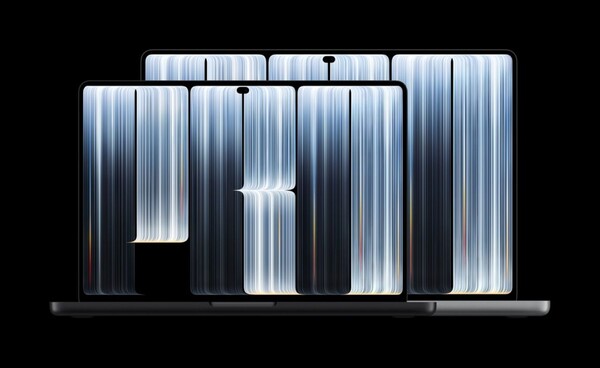
Apple has unveiled its first touchscreen MacBook, but the overall way macOS is operated is not expected to change much. Rather than overhauling the operating system around touch, it is focusing on expanding touch functions in individual applications while keeping the existing interface.
On Oct. 28, Apple and several foreign media outlets reported that Apple introduced a touchscreen to the new MacBook Pro but did not pursue a major revamp to optimise macOS overall for touch controls. Touch functions are expected to be used mainly in individual apps rather than across the operating system.
A key change at the macOS level is the introduction of the iPhone's Dynamic Island. Apple explained that touch controls allow users to directly operate the interface, such as accepting AirDrop or pausing music playback.
Basic touch gestures are not much different from those used on existing touchscreen devices. Users can zoom in and out of photos with two fingers, or drag and drop slides between different presentations. Web pages can be scrolled by swiping the screen. It also supports double-tapping a window to switch to full screen, or dragging a window corner to resize it.
Apple put emphasis on touch support in individual apps. Its own apps will be optimised for touch operations, and the system automatically converts screen presses into mouse clicks. That allows users to use touch input without making major changes to the existing macOS interface.
Among third-party apps, Notion, Canva, Zoom, Word, Excel, PowerPoint, Lightroom and DaVinci Resolve are set to support the new touch control features. The ability to use multitouch input in some professional creative apps is particularly notable.
Still, based on the features disclosed so far, touch appears less a means to fundamentally change how macOS is operated than an input method that complements the existing keyboard and trackpad. Apple chose to keep the existing macOS experience while adding the option to touch the screen directly.
Ultimately, how useful a touchscreen MacBook is expected to be will depend less on changes to macOS itself than on how effectively individual apps implement touch and multitouch functions. With touch added without a major overhaul of the operating system, the actual user experience may vary depending on the level of support by each app.
 Seung-a Yoo
ysah@d-today.co.kr
Seung-a Yoo
ysah@d-today.co.kr